




Professional digital artists have never had more powerful tablet options, but the choice between Apple’s iPad Pro and Microsoft’s Surface Pro continues to define creative workflows. Both devices promise desktop-level performance in portable packages, yet they take fundamentally different approaches to serving the creative community.
The stakes are higher than ever. With remote work normalizing and creative agencies increasingly mobile, artists need devices that handle everything from initial sketches to final client presentations. The iPad Pro banks on its seamless iOS ecosystem and industry-leading stylus technology, while the Surface Pro offers full Windows compatibility with traditional creative software.
Display Technology and Creative Accuracy
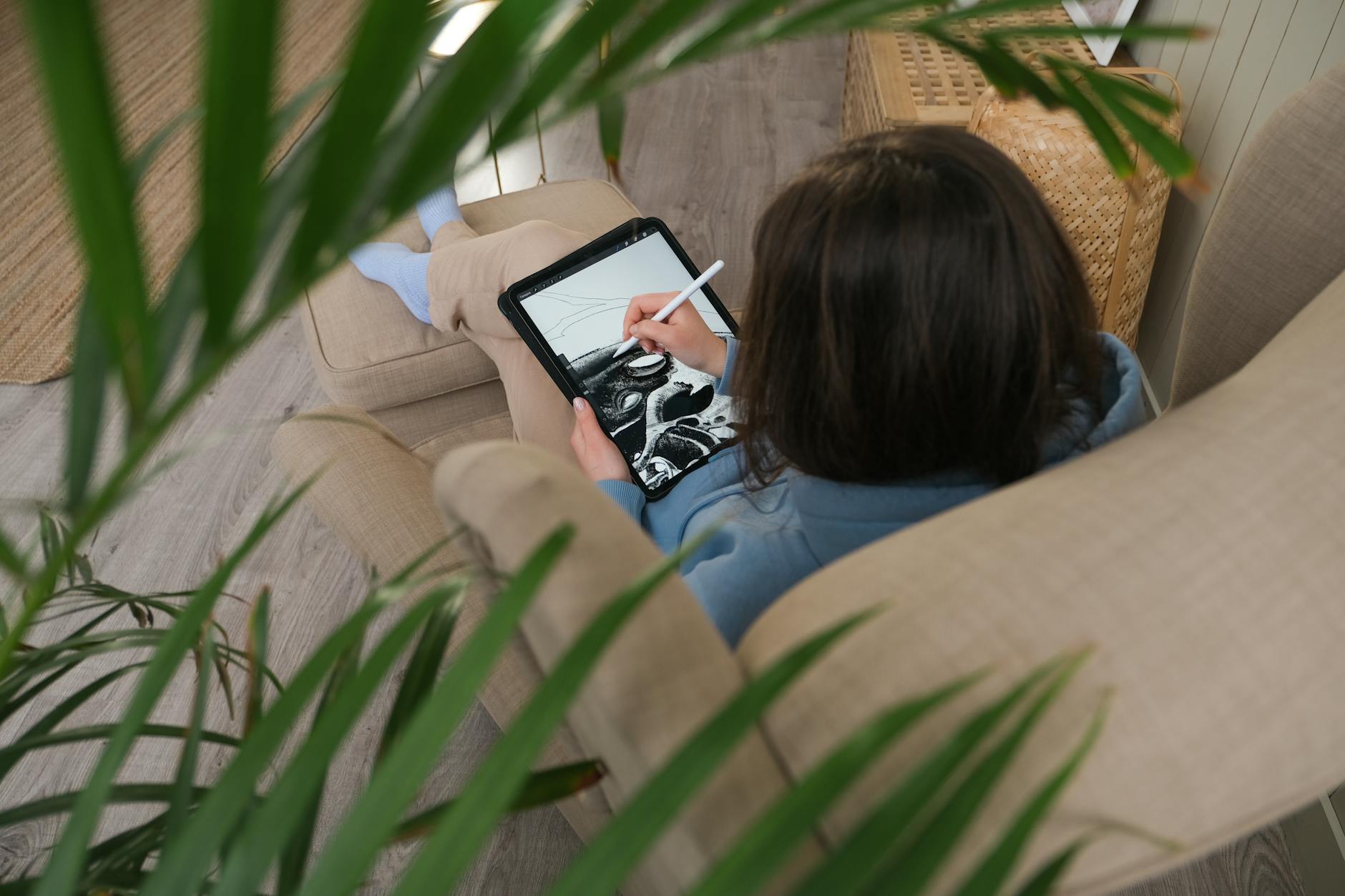
The iPad Pro’s Liquid Retina XDR display delivers exceptional color accuracy with its mini-LED backlighting system. The 12.9-inch model supports the full P3 wide color gamut, essential for professional color work. Apple’s ProMotion technology adapts refresh rates up to 120Hz, creating fluid drawing experiences that respond instantly to Apple Pencil input.
Microsoft’s Surface Pro takes a different approach with its PixelSense display technology. The current generation offers excellent color reproduction and supports the Surface Pen’s pressure sensitivity across its screen. While it doesn’t match the iPad Pro’s peak brightness levels, the Surface Pro’s display handles color-critical work effectively, particularly for digital illustration and photo editing.
The Apple Pencil remains the gold standard for stylus input, offering precise pressure sensitivity and tilt recognition that feels natural for traditional artists transitioning to digital. Its magnetic attachment and wireless charging eliminate the workflow interruptions that plague other stylus systems.
Surface Pen technology has improved significantly, providing comparable pressure levels and tilt functionality. The pen attaches magnetically to the Surface Pro’s edge, though charging requires separate consideration. For artists accustomed to Windows creative software, the Surface Pen integrates seamlessly with familiar applications.
Software Ecosystem and Creative Applications
iPad Pro users access Procreate, Adobe Fresco, and Affinity Designer – applications specifically optimized for touch interfaces. These apps leverage the iPad’s processing power efficiently, though they sometimes lack the advanced features found in desktop versions. The App Store’s creative selection continues expanding, with many developers creating iPad-first experiences.
The Surface Pro runs full versions of Adobe Creative Suite, Blender, and other professional software without compromise. This compatibility advantage proves crucial for artists working in established creative pipelines. Complex projects requiring multiple applications, extensive file management, or specific plugins work naturally within Windows environments.
File management presents a clear distinction. The iPad Pro’s iOS file system, while improved, still requires workarounds for complex project organization. Artists often rely on cloud storage or specific app ecosystems to manage large creative projects. The Surface Pro handles files like any Windows laptop, supporting traditional folder structures and external drive access without limitations.
Performance and Battery Life in Real Workflows
Apple’s M2 chip in the latest iPad Pro delivers impressive performance across creative applications. Video editing in LumaFusion, complex illustration in Procreate, and photo editing in Lightroom all run smoothly. The unified memory architecture provides consistent performance, though RAM limitations can affect very large projects.
Microsoft’s Surface Pro, equipped with current Intel processors, handles demanding creative software effectively. Running full Photoshop or Premiere Pro provides desktop-level capabilities, though thermal management can affect sustained performance during intensive tasks. The active cooling system manages heat better than the iPad Pro’s passive cooling, crucial for extended creative sessions.
Battery life varies significantly based on usage patterns. The iPad Pro typically delivers 8-10 hours of creative work, while the Surface Pro averages 6-8 hours under similar conditions. However, the Surface Pro’s replaceable battery and standard USB-C charging provide more flexibility for extended work sessions.
Both devices support external displays and accessories, though the iPad Pro’s accessory ecosystem feels more cohesive. The Magic Keyboard transforms the iPad Pro into a laptop-like device, while the Surface Pro’s Type Cover provides similar functionality with traditional trackpad and keyboard layouts.
Pricing and Long-term Value Considerations
The iPad Pro starts at a lower entry price but costs escalate quickly with storage upgrades and essential accessories. A fully configured iPad Pro with Apple Pencil and Magic Keyboard approaches Surface Pro pricing while limiting software options to iOS applications.
Surface Pro configurations offer more storage and memory options upfront, potentially providing better long-term value for professional users. The device’s laptop-replacement capabilities justify higher initial costs for artists who need full desktop software compatibility.
Like our recent analysis of creative software choices for small agencies, the decision ultimately depends on workflow requirements rather than pure specifications.
The iPad Pro versus Surface Pro debate reflects broader questions about mobile computing’s creative future. Artists choosing immediate, intuitive experiences gravitate toward the iPad Pro’s streamlined ecosystem. Those requiring maximum software compatibility and traditional computing workflows find the Surface Pro indispensable.
Both devices continue evolving rapidly, with Apple pushing iOS creative capabilities forward while Microsoft refines Windows tablet experiences. The next generation of creative professionals may not need to choose between tablet convenience and desktop power – these devices increasingly deliver both.
Frequently Asked Questions
Which is better for professional digital art, iPad Pro or Surface Pro?
iPad Pro excels at touch-first creative apps like Procreate, while Surface Pro runs full desktop creative software like Adobe Creative Suite.
Can Surface Pro run the same creative software as a desktop computer?
Yes, Surface Pro runs full Windows versions of professional creative software including Adobe Creative Suite, Blender, and other desktop applications.