





Discord’s latest screen sharing update has quietly become one of the most significant developments for remote game development teams in 2024. The platform’s enhanced streaming capabilities now support 4K resolution at 60fps, dramatically changing how distributed teams collaborate on complex gaming projects.
The timing couldn’t be better. With major studios like Blizzard Entertainment and indie collectives increasingly embracing hybrid work models, Discord’s improvements address long-standing technical barriers that forced developers to rely on expensive enterprise solutions or awkward workarounds.

Breaking Down the Technical Leap
Discord’s screen sharing previously capped at 1080p for most users, creating frustrating bottlenecks when developers needed to showcase detailed artwork, review UI elements, or debug complex visual effects. The new update eliminates these constraints with several key improvements.
The platform now supports native 4K streaming for Discord Nitro subscribers, with automatic quality adjustment based on network conditions. More importantly for development teams, the update includes specialized “Developer Mode” features that prioritize clarity over compression when sharing code editors, design tools, and game engines.
Frame rate consistency has also improved significantly. Previously, screen sharing often dropped to choppy 15-30fps during intensive sessions, making it nearly impossible to review gameplay mechanics or animation timing. The updated system maintains smooth 60fps even when sharing resource-heavy applications like Unreal Engine or Unity.
Audio synchronization, a persistent pain point for game developers sharing footage with integrated sound design, now operates with sub-50ms latency. This improvement proves crucial when teams need to review audio-visual timing or discuss sound effect implementation in real-time.
Reshaping Daily Development Workflows
Independent game studios report the most dramatic workflow changes. Sarah Chen, lead designer at a San Francisco-based indie studio, explains how the update transformed their daily standup meetings: “We went from describing UI changes with vague hand gestures to actually showing pixel-perfect mockups in real-time. Our feedback cycles shortened from days to hours.”
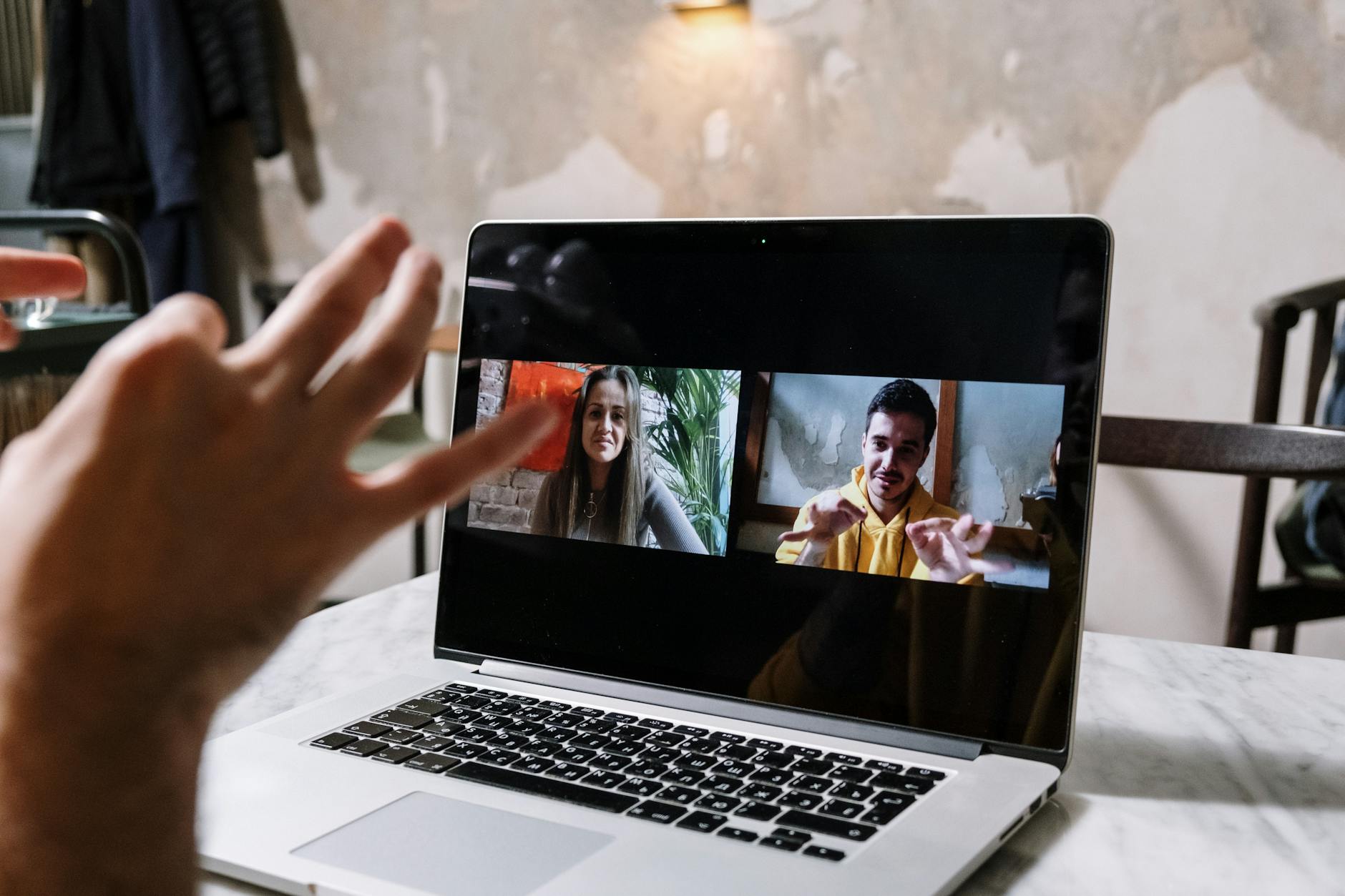
The collaborative code review process has particularly benefited from these improvements. Development teams can now share their screens while pair programming without the traditional lag that made real-time collaboration frustrating. Multiple developers report being able to effectively debug complex gameplay systems together, something previously reserved for in-person sessions.
Asset review sessions have become more efficient across the board. Art directors can now provide immediate feedback on character models, texture work, and environmental designs without waiting for rendered videos or static screenshots. The improved visual fidelity means subtle details like lighting effects, particle systems, and shader work translate accurately during screen sharing sessions.
Quality assurance testing has also evolved. QA teams can stream gameplay sessions directly to developers, allowing immediate bug reproduction and collaborative troubleshooting. This real-time approach has reportedly reduced bug resolution cycles by an average of 30-40% for teams actively using the updated features.
Integration with Popular Development Tools
Discord’s update shows particular strength when integrated with industry-standard development environments. The platform now offers optimized streaming profiles for major game engines, automatically adjusting compression algorithms to preserve clarity in viewport windows and hierarchy panels.
Unity developers report smooth screen sharing even with complex scenes containing hundreds of GameObjects. The update’s improved handling of rapidly changing visual content means particle effects, animation previews, and real-time lighting changes stream without the pixelation that previously made detailed reviews impossible.
Unreal Engine users see similar benefits, particularly when sharing Blueprint visual scripting sessions. The node-based interface, which relies heavily on clear text and connection lines, now streams with crisp clarity that makes collaborative scripting genuinely viable.
Version control integration represents another significant improvement. Git workflows, branching visualizations, and merge conflict resolutions can now be shared effectively during team code reviews. The enhanced text rendering ensures even small font sizes in code editors remain readable for remote participants.
Platform Competition and Market Response
Discord’s improvements arrive as competition intensifies in the collaborative workspace market. Microsoft Teams and Slack have both enhanced their screen sharing capabilities recently, while specialized tools like Parsec and Steam Remote Play continue targeting gaming-specific use cases.
However, Discord’s unique position as both a communication platform and streaming service gives it distinct advantages. Unlike enterprise solutions that feel corporate and formal, Discord maintains the casual atmosphere that appeals to creative teams. The platform’s existing adoption within gaming communities means most developers already understand its interface and features.
The update’s impact extends beyond pure functionality. As platform monetization models evolve across the industry, Discord’s approach of tying premium features to subscription revenue rather than advertising creates a more stable foundation for continued development tool improvements.
Looking Forward: The Remote Development Future
Early adoption metrics suggest Discord’s enhanced screen sharing will accelerate the ongoing shift toward distributed game development teams. Studios that previously insisted on in-person collaboration for creative work now report successful remote brainstorming sessions and design reviews.
The update also enables new collaborative possibilities that weren’t previously practical. Some teams now conduct “virtual game jams” where participants share their screens continuously throughout development sprints, creating an immersive shared workspace despite geographic separation.
Educational applications are emerging as well. Game development bootcamps and online courses can now provide more interactive instruction, with instructors demonstrating techniques in real-time while students follow along with crystal-clear visual fidelity.
As 5G networks expand and internet infrastructure improves globally, Discord’s technical foundation positions it well for even more ambitious features. The company has hinted at exploring collaborative cursor sharing and integrated whiteboarding tools specifically designed for creative workflows.
The broader implications extend beyond gaming into any creative field requiring detailed visual collaboration. Film post-production, architectural visualization, and digital art creation could all benefit from similar streaming improvements, suggesting Discord’s update represents just the beginning of a larger transformation in remote creative work.
Frequently Asked Questions
What resolution does Discord’s new screen sharing support?
Discord now supports 4K resolution at 60fps for Nitro subscribers, with automatic quality adjustment based on network conditions.
How does this update help game developers specifically?
The update includes Developer Mode features that prioritize clarity when sharing game engines, code editors, and design tools, plus improved audio sync for gameplay review.