






Remote workers face a crucial decision when choosing their primary machine: Apple’s sleek MacBook Air M3 or Dell’s refined XPS 13. Both laptops promise portability and power, but their approaches to remote work productivity couldn’t be more different. One prioritizes seamless ecosystem integration, while the other offers Windows flexibility and competitive pricing.
The choice between these two flagship ultrabooks has become more complex as remote work evolved from pandemic necessity to permanent lifestyle. Companies are no longer providing standard-issue laptops, leaving professionals to invest in their own productivity powerhouses. The stakes are higher when your laptop doubles as your office, creative studio, and communication hub.

Performance Showdown: Apple Silicon vs Intel Power
Apple’s M3 chip delivers remarkable performance efficiency that transforms the remote work experience. The MacBook Air M3 handles video calls while running multiple productivity apps without breaking a sweat – or spinning up fans. Battery life consistently reaches 12-15 hours of mixed usage, meaning full workdays without hunting for outlets.
The Dell XPS 13 with Intel’s latest generation processors offers solid performance but operates under different constraints. While it handles demanding tasks competently, battery life typically ranges from 8-10 hours depending on workload. The active cooling system means occasional fan noise during intensive tasks like large file transfers or video processing.
For remote workers juggling video calls, document editing, and browser tabs, the M3’s unified memory architecture provides smoother multitasking. The XPS 13’s traditional RAM configuration works well but shows strain when pushing beyond 16GB limits during heavy multitasking sessions.
Graphics performance favors the M3 for content creation tasks. Video editors and designers working remotely will appreciate the M3’s media engine for smooth 4K video playback and export. The XPS 13’s integrated graphics handle basic creative work but struggle with intensive visual tasks.
Display Quality and Remote Work Ergonomics
Both laptops feature excellent displays, but with different strengths for remote workers. The MacBook Air M3’s Liquid Retina display delivers exceptional color accuracy and brightness, crucial for design work and long reading sessions. The 13.6-inch screen provides ample workspace while maintaining portability.
Dell’s XPS 13 offers display options including 4K+ resolution, giving users flexibility in choosing between battery life and pixel density. The nearly borderless InfinityEdge display maximizes screen real estate in a compact form factor. However, the 16:10 aspect ratio on some configurations provides more vertical space for document work.
For remote workers spending hours on video calls, both laptops deliver solid webcam performance, though neither excels. The MacBook Air M3’s 1080p FaceTime HD camera produces cleaner images in good lighting, while the XPS 13’s camera performs adequately with decent software processing.
Keyboard quality significantly impacts daily productivity. Apple’s Magic Keyboard offers reliable key travel and comfortable typing for extended sessions. Dell’s XPS 13 keyboard provides good feedback but some users report long-term durability concerns with heavy usage.


Connectivity and Ecosystem Integration
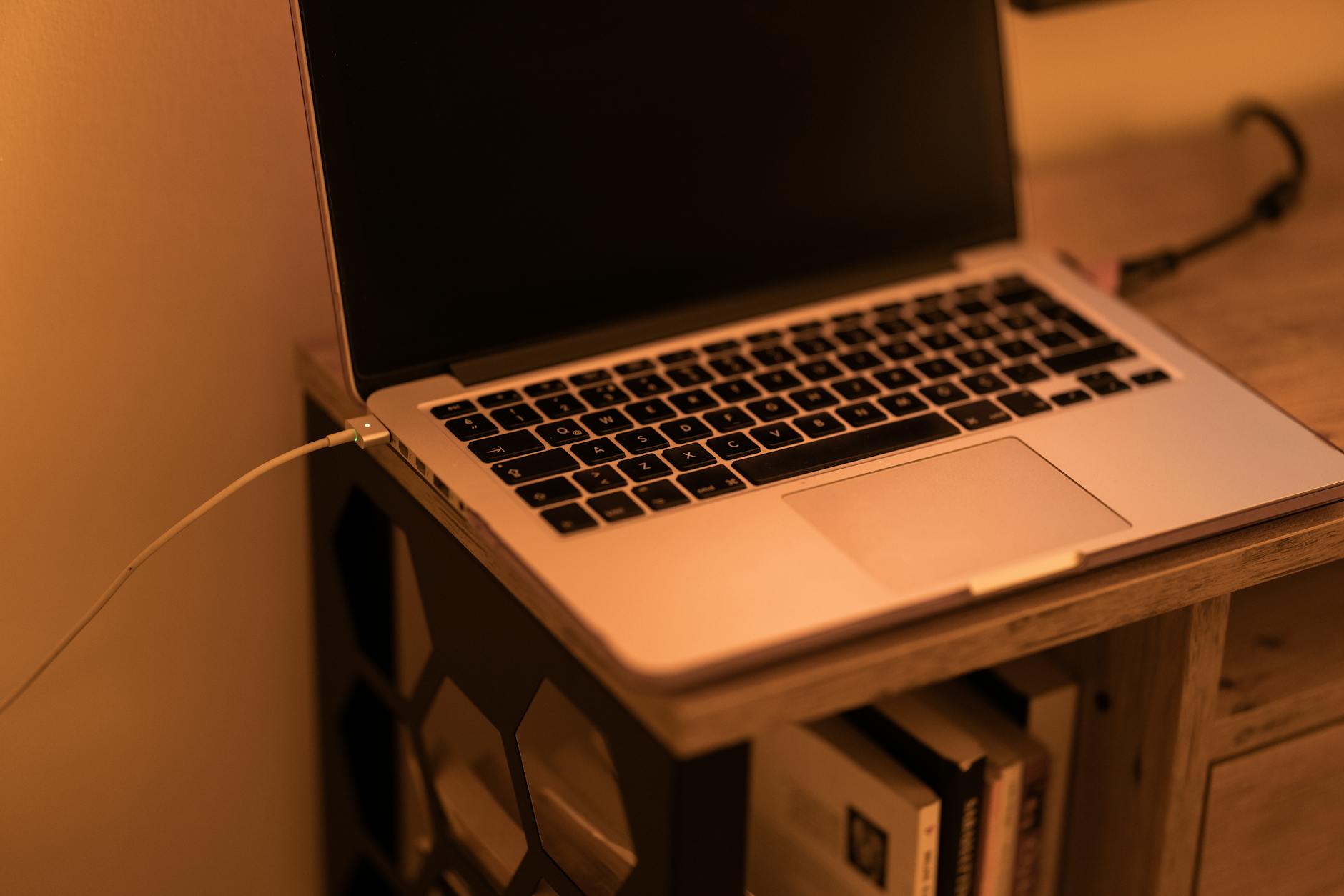
Port selection reveals each laptop’s philosophy toward connectivity. The MacBook Air M3 includes two Thunderbolt 4 ports and a MagSafe charging port, requiring dongles for most peripherals. This minimalist approach works well within Apple’s ecosystem but creates friction when connecting to various office equipment or external monitors.
The Dell XPS 13 provides more diverse connectivity with Thunderbolt 4, USB-C, and sometimes a microSD slot depending on configuration. This flexibility proves valuable for remote workers who frequently connect to different setups, printers, or presentation systems.
Ecosystem integration heavily favors MacBook Air users already invested in Apple devices. Features like Universal Clipboard, AirDrop, and Continuity create seamless workflows between iPhone, iPad, and Mac. This integration becomes particularly valuable for remote workers managing personal and professional tasks across devices.
Windows users benefit from broader software compatibility and enterprise integration. Many corporate tools and specialized software run natively on Windows, eliminating compatibility concerns. The XPS 13 integrates well with Microsoft 365 environments and Windows-centric workflows common in many remote work setups.
For remote workers needing specific professional software, compatibility considerations often determine the choice. Creative professionals using Final Cut Pro or Logic Pro require macOS, while users dependent on Windows-exclusive enterprise software need the XPS 13’s platform flexibility.
Value Proposition and Long-term Investment
Pricing structures differ significantly between these platforms. The MacBook Air M3 starts at a premium but includes higher base specifications and longer software support cycles. Apple’s track record of supporting devices for 5-7 years with regular updates provides strong long-term value for remote workers planning extended usage.
The Dell XPS 13 offers more configuration flexibility and often better initial value through frequent sales and business discounts. However, Windows update cycles and hardware refresh patterns typically result in shorter optimal usage periods compared to Apple devices.
Build quality and durability considerations matter greatly for remote workers who travel frequently or work from various locations. The MacBook Air M3’s aluminum unibody construction provides excellent durability with minimal maintenance requirements. The XPS 13’s carbon fiber and aluminum construction also delivers solid build quality, though some users report issues with keyboard reliability over time.
Similar to how professionals compare productivity tools for project management, choosing between these laptops requires weighing immediate needs against long-term workflow requirements. The MacBook Air M3 excels in battery life, ecosystem integration, and consistent performance, making it ideal for users prioritizing reliability and seamless Apple device integration.
The Dell XPS 13 provides excellent value for Windows-dependent workflows, broader software compatibility, and superior port selection. Remote workers needing specific Windows software or preferring upgrade flexibility will find the XPS 13 more suitable for their needs.
Both laptops deliver excellent remote work performance, but the choice ultimately depends on ecosystem preferences, software requirements, and budget considerations. As remote work continues evolving, both Apple and Dell will likely enhance these platforms with better connectivity options, improved webcams, and more efficient processors to meet growing professional demands.
Frequently Asked Questions
Which laptop has better battery life for remote work?
MacBook Air M3 delivers 12-15 hours vs Dell XPS 13’s 8-10 hours of mixed usage.
Is the MacBook Air M3 or Dell XPS 13 better for video calls?
Both handle video calls well, with M3 offering slightly better webcam quality and consistent performance without fan noise.